Data Thieves from Outer Space

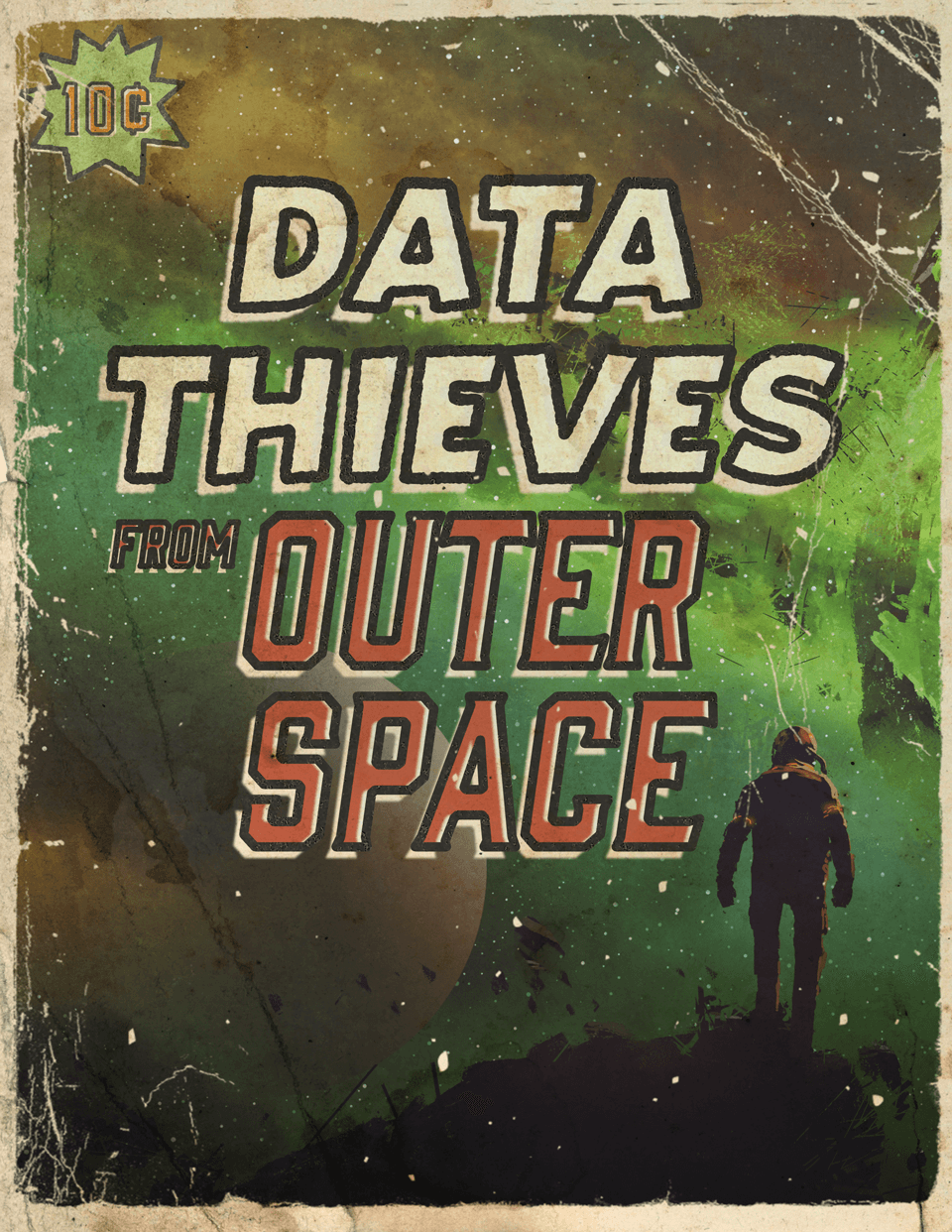
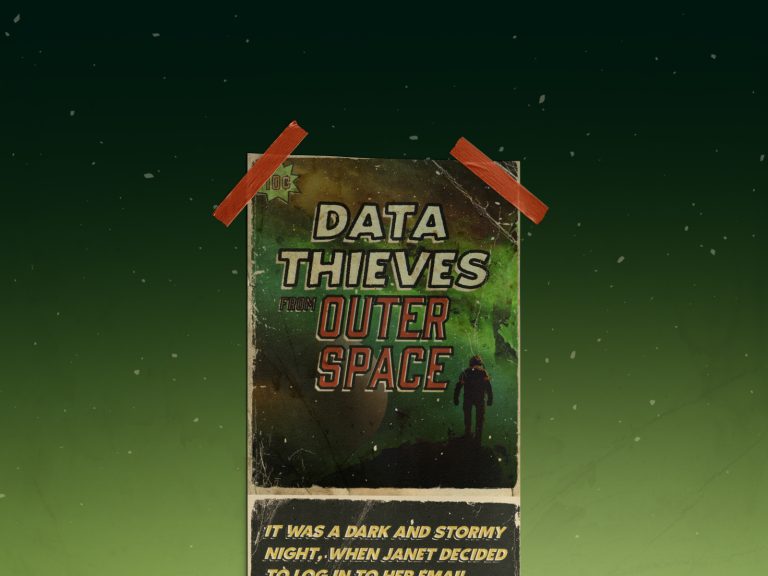
Retro-style sci-fi poster titled "Data Thieves from Outer Space" taped to a wall with red tape, featuring a lone figure silhouetted against a cosmic green backdrop, evoking a narrative of intergalactic cyber threats.

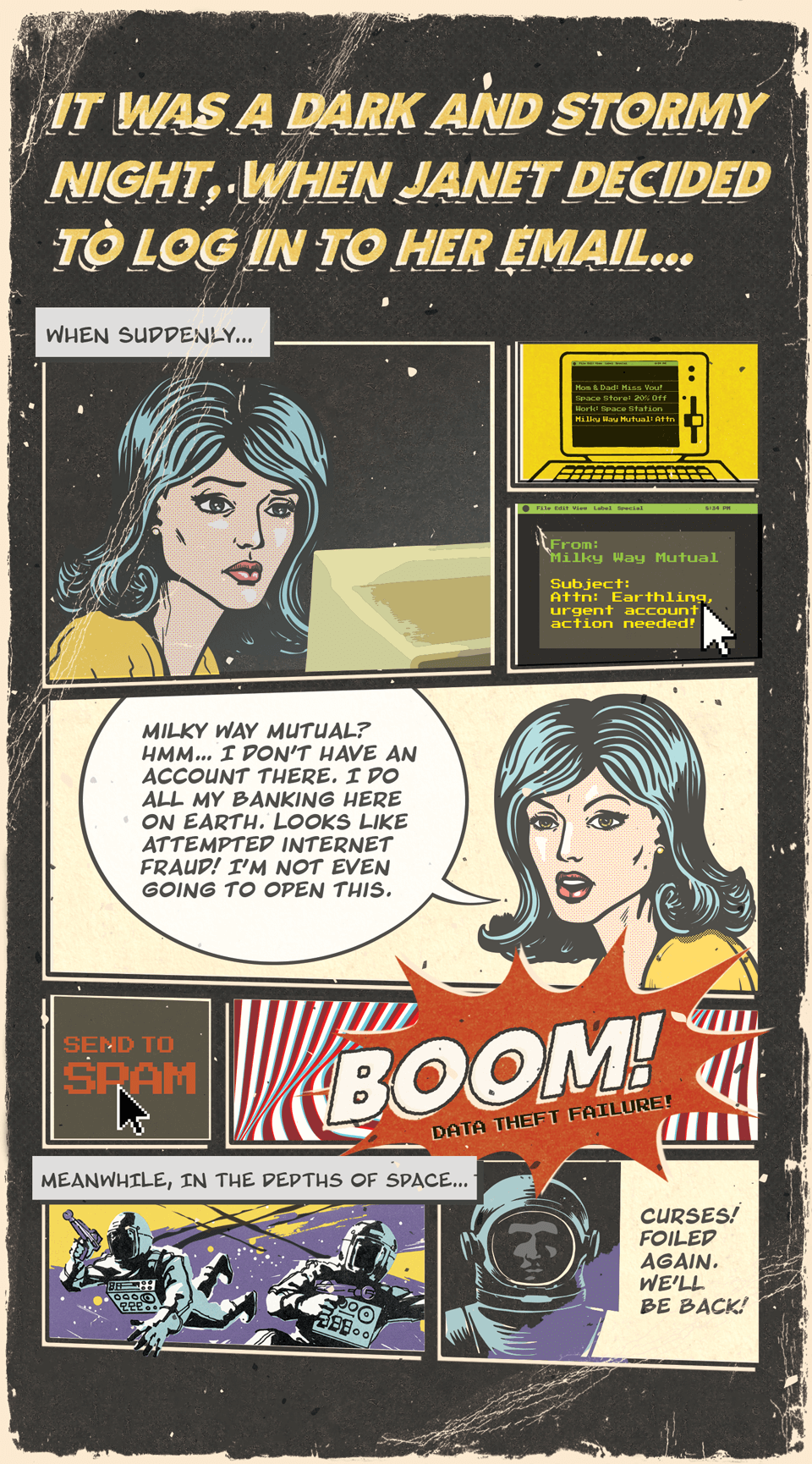
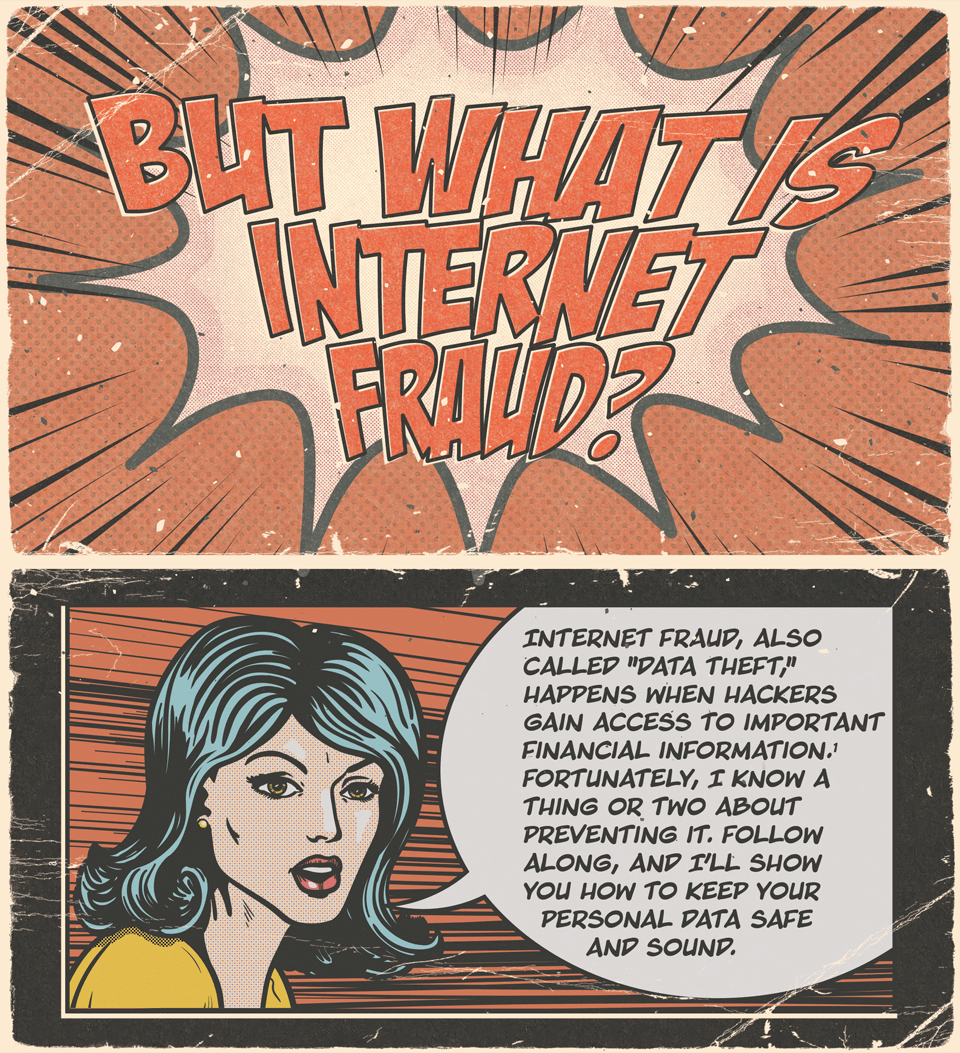
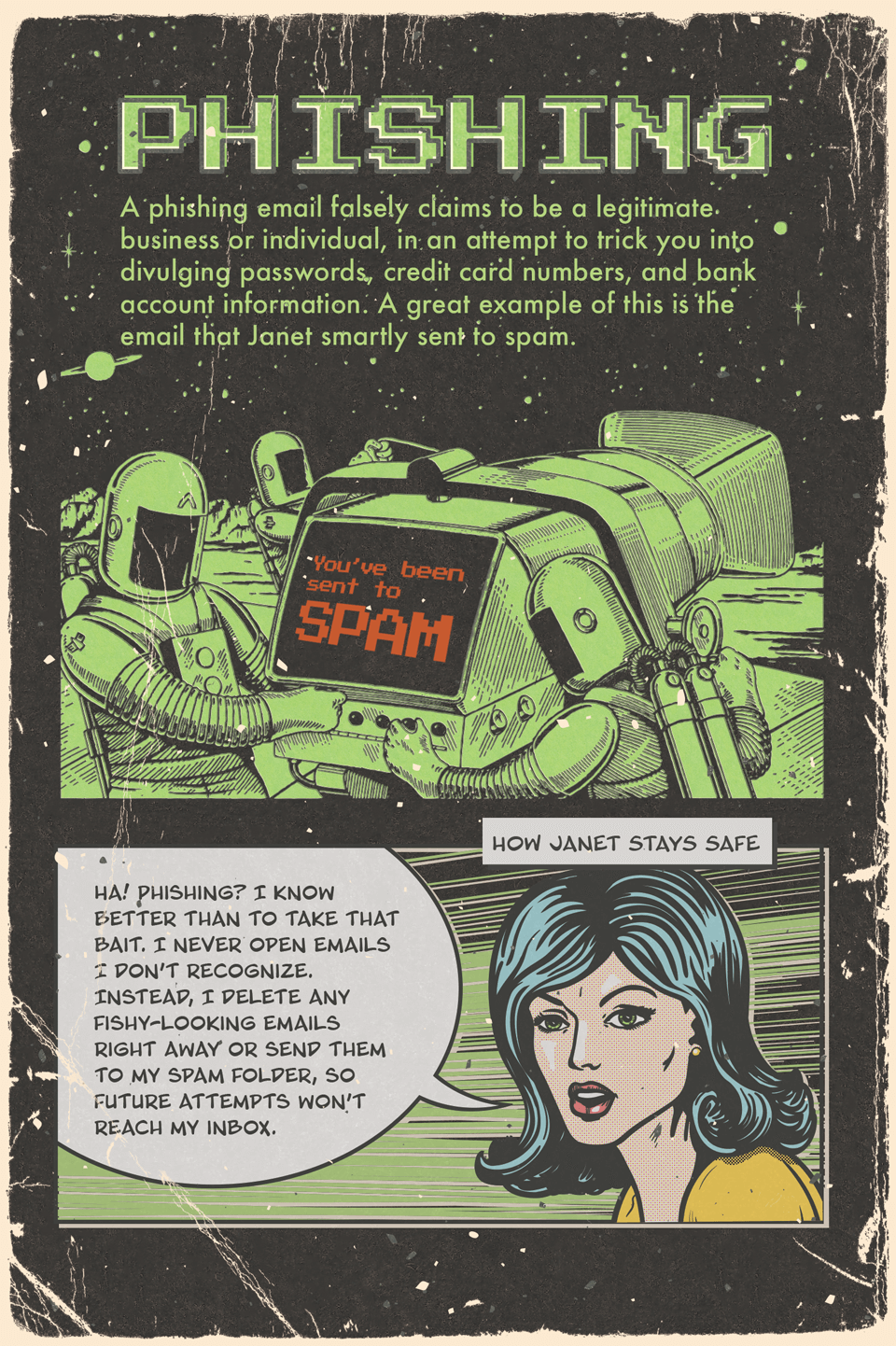
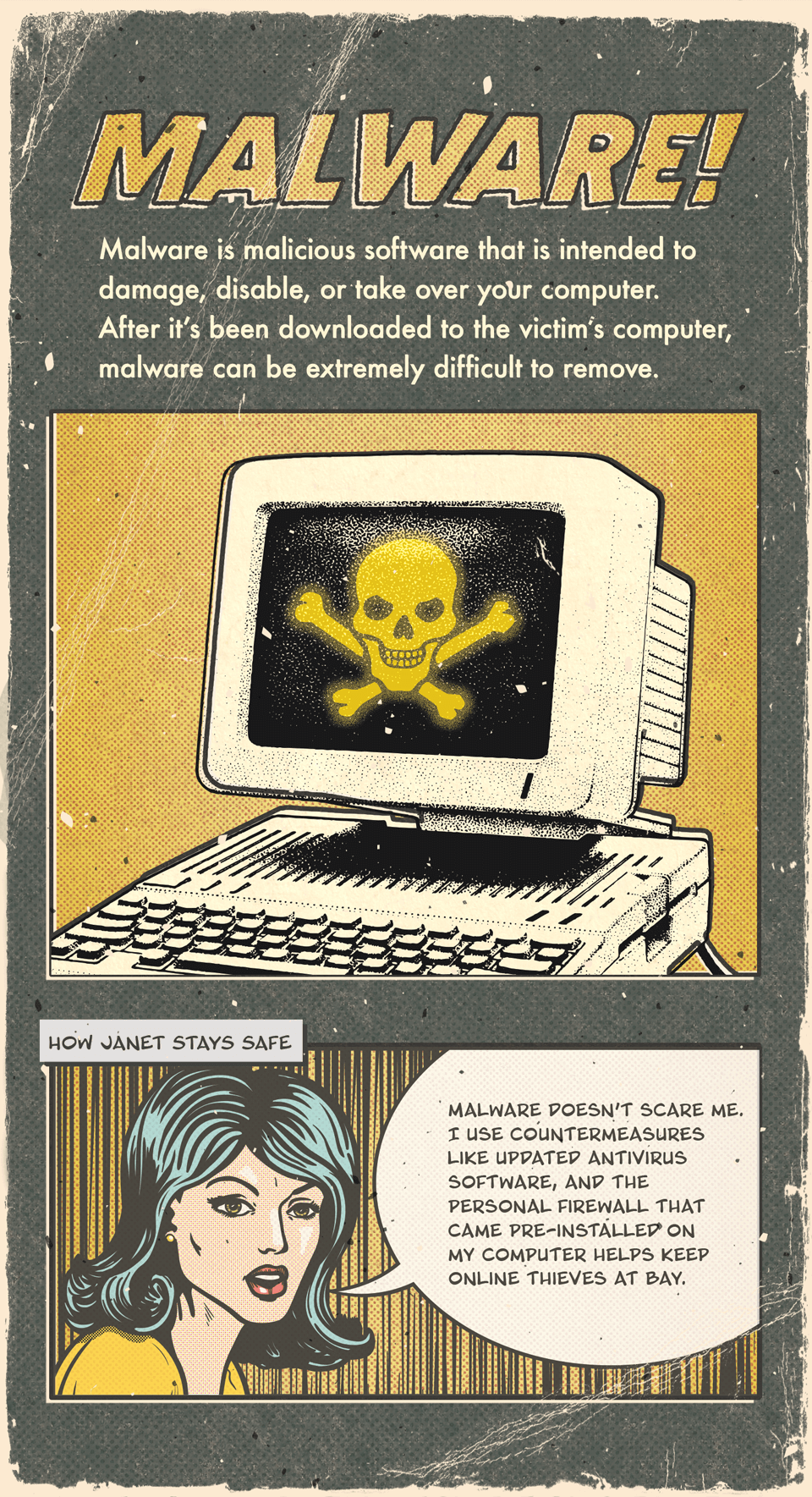
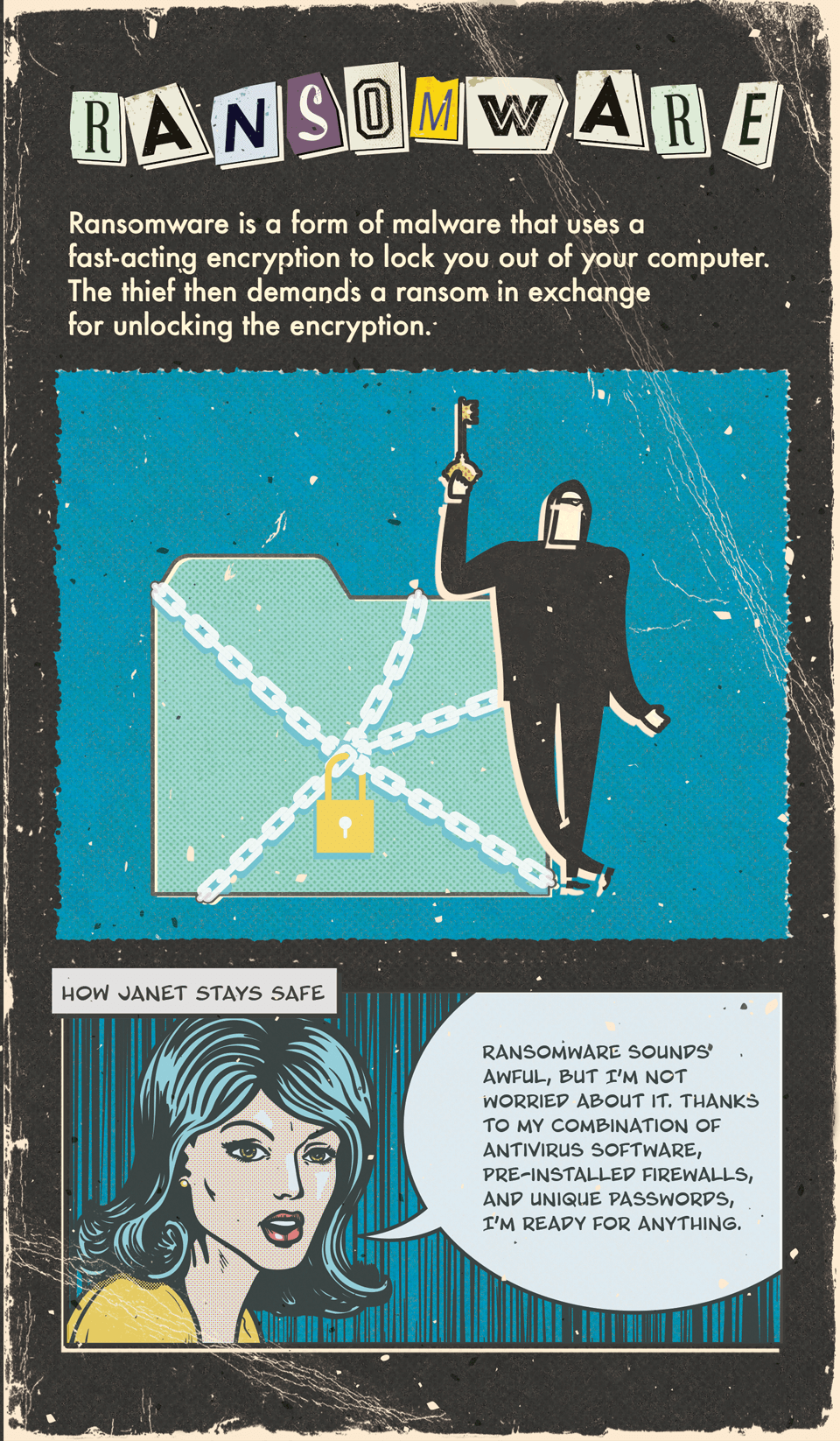
Data Thieves from Outer SpaceIt was a dark and stormy night, when janet decided to log in to her email. When suddenly she recieved an email from Milky Way Mutual, Attention Earthling, urgent account action needed! Milky Way Mutual? Hmm...I don't have an account there. I do all my banking here on earth. Looks like attempted internet fraud! I'm not even going to open this. Send to Spam. Boom! Data theif failure. Meanwhile in the Depths of space...Curses! Foiled again. We'll be back!But what is internet fraud? Internet fraud, also called data theif, happens when hackers gain access to important financial information. Fortunately, I know a thing or two about preventing it. Follow along, and I'll show you how to keep your personal data safe and sound.Phishing. A phishing email falsely claims to be a legitimate business or individual, in an attempt to trick you into divulging passwords, credit card numbers, and bank account information. A great example of this is the email that Janey smartly sent to spam. How Janet stays safe. Ha! Phishing? I know better than to take that bait. I never open emails I don't recognize. Instead, I delete any fishy-looking emails right away or send them to my spam folder, so future attempts won't reach my inbox.Malware! Malware is malicious software that is intended to damage, disable, or take over your computer. After it's been downloaded to the victim's computer, malware can be extremely difficult to remove. How Janet stays safe. Malware doesn't scare me. I use countermeasures like updated antivirus software, and the personal firewall that came pre-installed on my computer helps keep online thieves at bay.Ransomware. Ransomware is a form of malware that uses a fast-acting encryption to lock you out of your computer. The theif then demands a ransom in exchange for unlocking the encryption. How Janet stays safe. Ransomware sounds awful, but I'm not worried about it. Thanks to my combination of antivirus software, pre-installed firewalls, and unique passwords, I'm ready for anything.Always remember, when it comes to safeguarding your sensitive information, prevention is your best defense. Don't wait for thieves to strike! Follow Janet's example and start protecting your data today.
Related Content
Consider These 3 Things Before Driving Off the Lot

Consider These 3 Things Before Driving Off the Lot

Top 5 Things to Tell Your Financial Pro

Top 5 Things to Tell Your Financial Pro

How to Bake a Pie-R-A

How to Bake a Pie-R-A

Stay Safe with a B.O.P. At Your Back

Stay Safe with a B.O.P. At Your Back

It May Be Time for a Financial Checkup

It May Be Time for a Financial Checkup

Forecast

Forecast

Investments

Investments

Surprises

Surprises

Making Your Tax Bracket Work

Making Your Tax Bracket Work


By providing a telephone number and submitting the form, you consent to be contacted via SMS from Saxon Interests Inc. Message frequency may vary. Message & data rates may apply. Reply STOP to opt out of further messaging. Reply HELP for more information.

Contact us

What can we do for you?

Contact us to schedule a consultation and learn how our portfolio management services can help you reach your financial goals.

Tell us how we can help you today


By providing a telephone number and submitting the form, you consent to be contacted via SMS from Saxon Interests Inc. Message frequency may vary. Message & data rates may apply. Reply STOP to opt out of further messaging. Reply HELP for more information.